 Arkfinch PDF
Combine attachments
Put the agreement and its attachments in order and send them as a single PDF.
Read, edit and sign on your own computer. Work without ads or prompts to buy more.
For Mac, Windows and Chrome
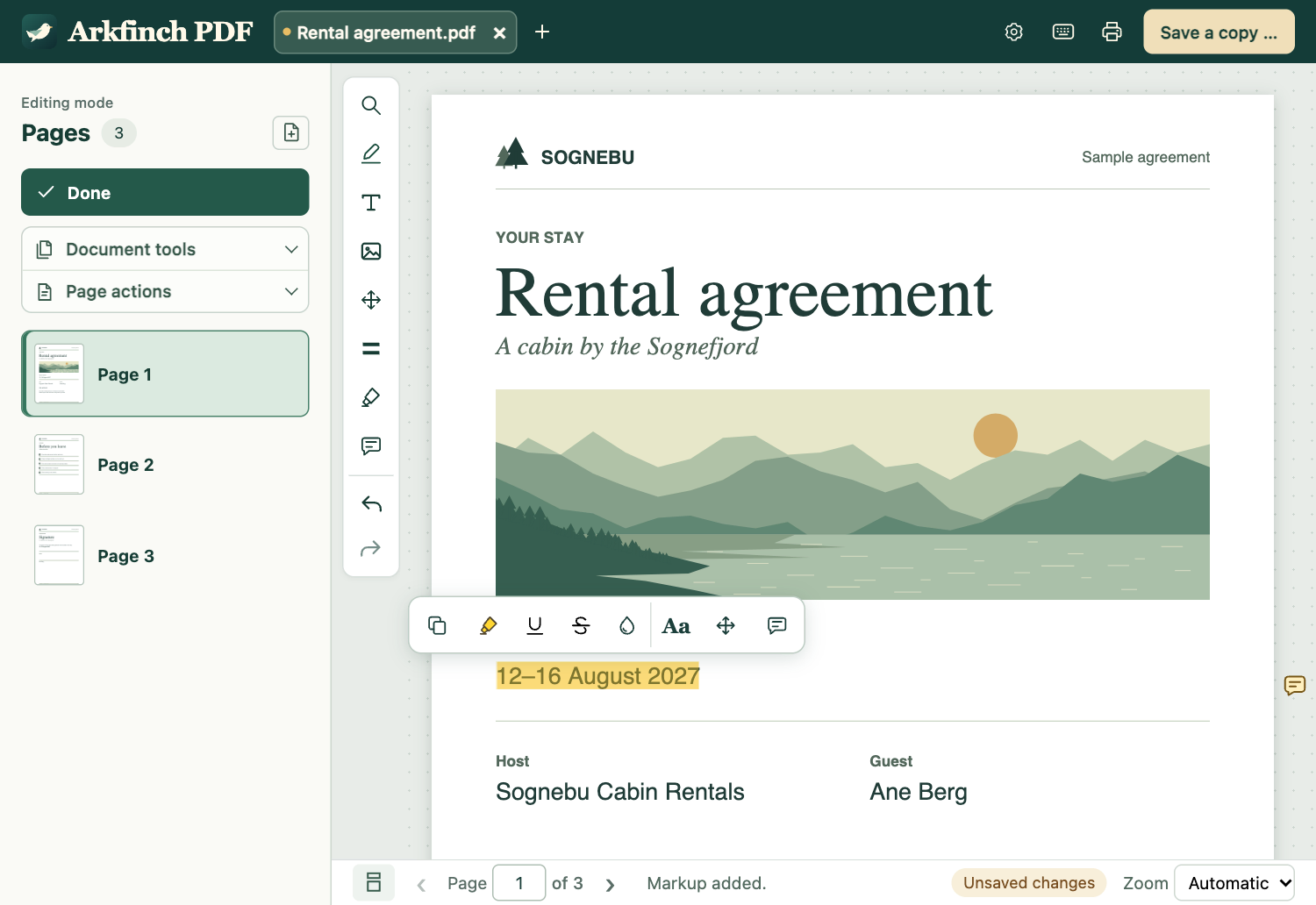
Put the agreement and its attachments in order and send them as a single PDF.
Look up a name or a date. If you have a scanned letter, you can make its text searchable too.
Cover private details and save a redacted copy. You keep the original.

Pay once per user. Every tool is included, at home and at work.
Arkfinch is designed for Macs with Apple silicon, 64-bit Windows (x64) and desktop Chrome. Available downloads will be listed when sales open.
No. Open the file on your own computer and choose where to save your copy. Signing and searching scanned letters work locally too.
Yes. In PDFs with editable text you can change words, fonts, size and color. On scanned pages you can use text recognition to search the text, or add your own text box.
Draw your signature, paste it in or choose an image. Drag it into place and save a copy. This adds a visible signature to the document. Signing with BankID requires a separate service.
Yes. The desktop app helps you set Arkfinch as your default reader. In Chrome you can choose to open PDF links and Gmail attachments in Arkfinch.